

A woman wearing glasses speaks on a corded phone while sitting at a desk in an office environment, with a computer monitor in front of her.

24/7 NZ-based Helpdesk support

Your Managed Print Services agreement gives you around-the-clock access to our expert Helpdesk team. For urgent issues such as device errors or connectivity problems, you can reach us by phone 24 hours a day, 7 days a week. You will always speak with a New Zealand-based specialist who understands your oragnisation and can provide fast, effective solutions.

Brother New Zealand Helpdesk: 0800 243 577

If you prefer not to wait on hold, you can book a callback and one of our Helpdesk agents will contact you at your preferred time. Callback bookings are available Monday to Friday, 8:30 am to 5:00 pm, excluding public holidays.
Live chat for fast, real-time assistance

For quick help or step-by-step troubleshooting, connect with our Helpdesk team through Live Chat. It is the fastest way to resolve minor issues, ask technical questions, or get guidance without making a call. Live Chat is available Monday to Friday, 8:30 am to 5:00 pm, excluding public holidays.
To start a chat, click the blue circle in the bottom right-hand corner of your screen and follow the prompts.

Brother-Recycling-Request-Form-Laptop_Lifestyle_1920x1080_72dpi
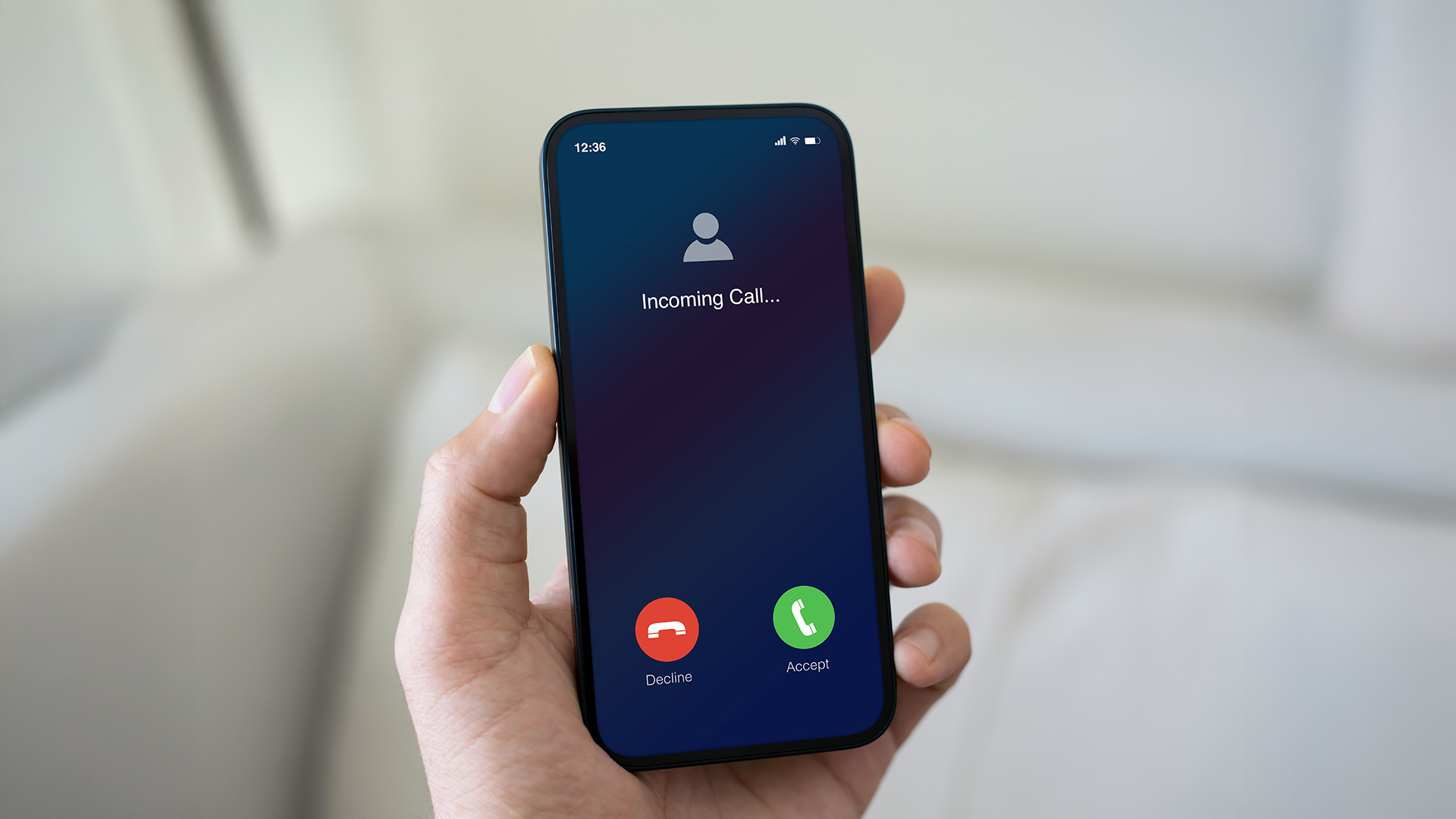
A hand holds a smartphone showing an incoming call screen with options to decline or accept.

Book a callback at a time that suits you

Prefer to speak with someone at a set time? Book a callback and one of our Helpdesk agents will contact you at your preferred time. It is a simple way to receive personalised support while staying productive. Callbacks can be scheduled Monday to Friday, 8:30 am to 5:00 pm, excluding public holidays.
To book a callback:

  1. Click the blue circle in the bottom right-hand corner of your screen
  2. Select “Message Us”
  3. When the chat window opens, choose the “Book a Callback” button
  4. Follow the prompts to enter your details and schedule your preferred callback time

Contact Us

Please complete the form below and include your device serial number and location if applicable, so we can direct your enquiry and resolve it as quickly as possible.

Automated supply of consumables

Our Managed Print Services keep your organisation running smoothly with automatic replenishment of consumables. Brother’s monitoring system tracks toner, ink, drum and waste toner levels to ensure replacements are sent before they're needed, with no extra courier costs.

Each delivery includes a packing slip to match supplies to their devices and a QR code linking to instructions and more information about consumables and recycling.

Important notes:

  • Consumables are managed differently between organisations. Please refer to your relevant department or contact person for details on how this process is managed and how consumables are distributed.

  • Only replace consumables when your device prompts you they are completely empty.

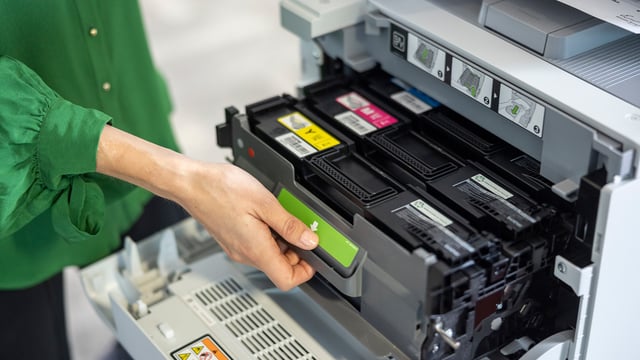
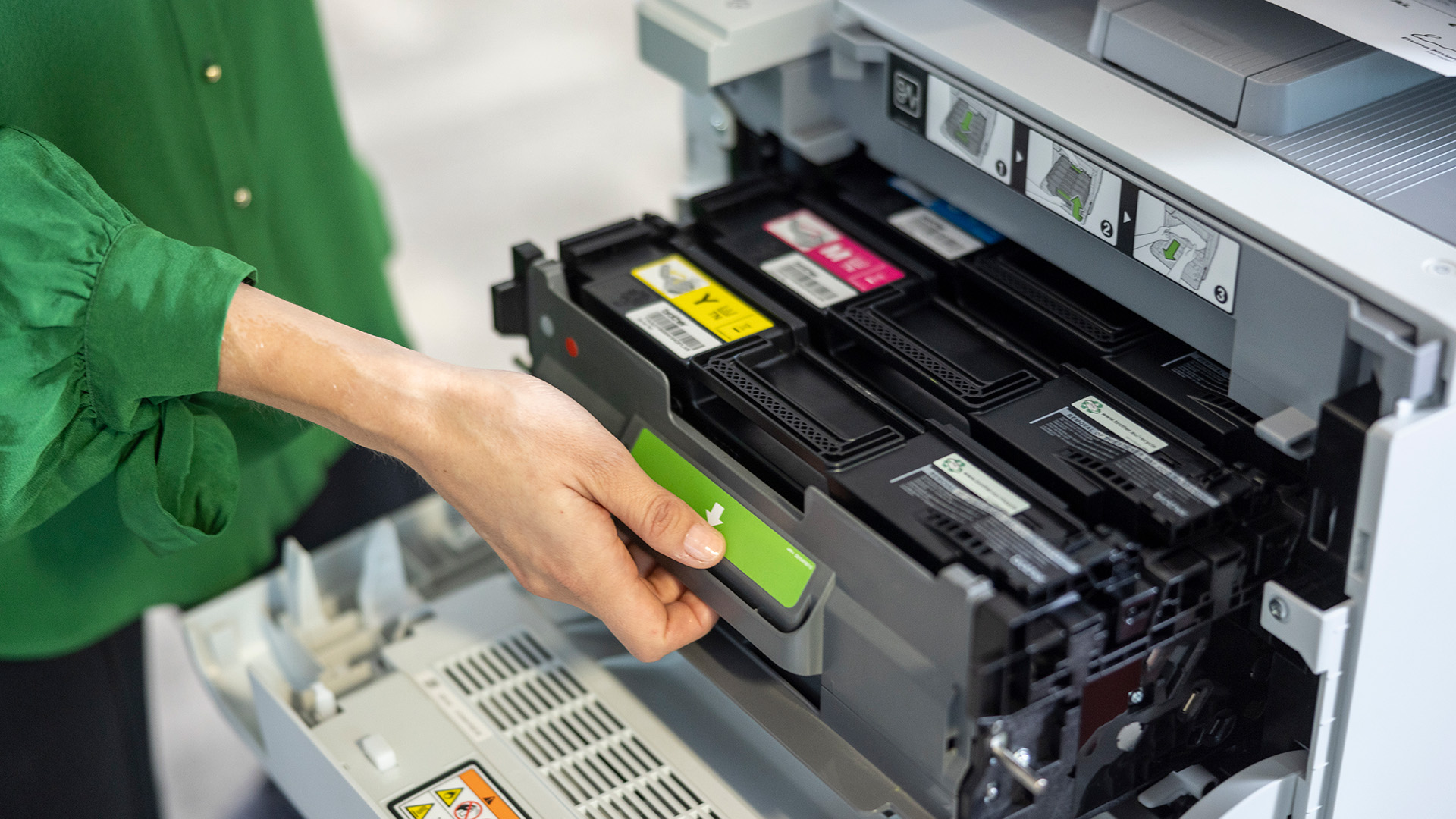
A person removes a toner cartridge from a Brother printer, showing the internal colour cartridges and labelled installation guides.
Instructions

What to do with your replacement consumables

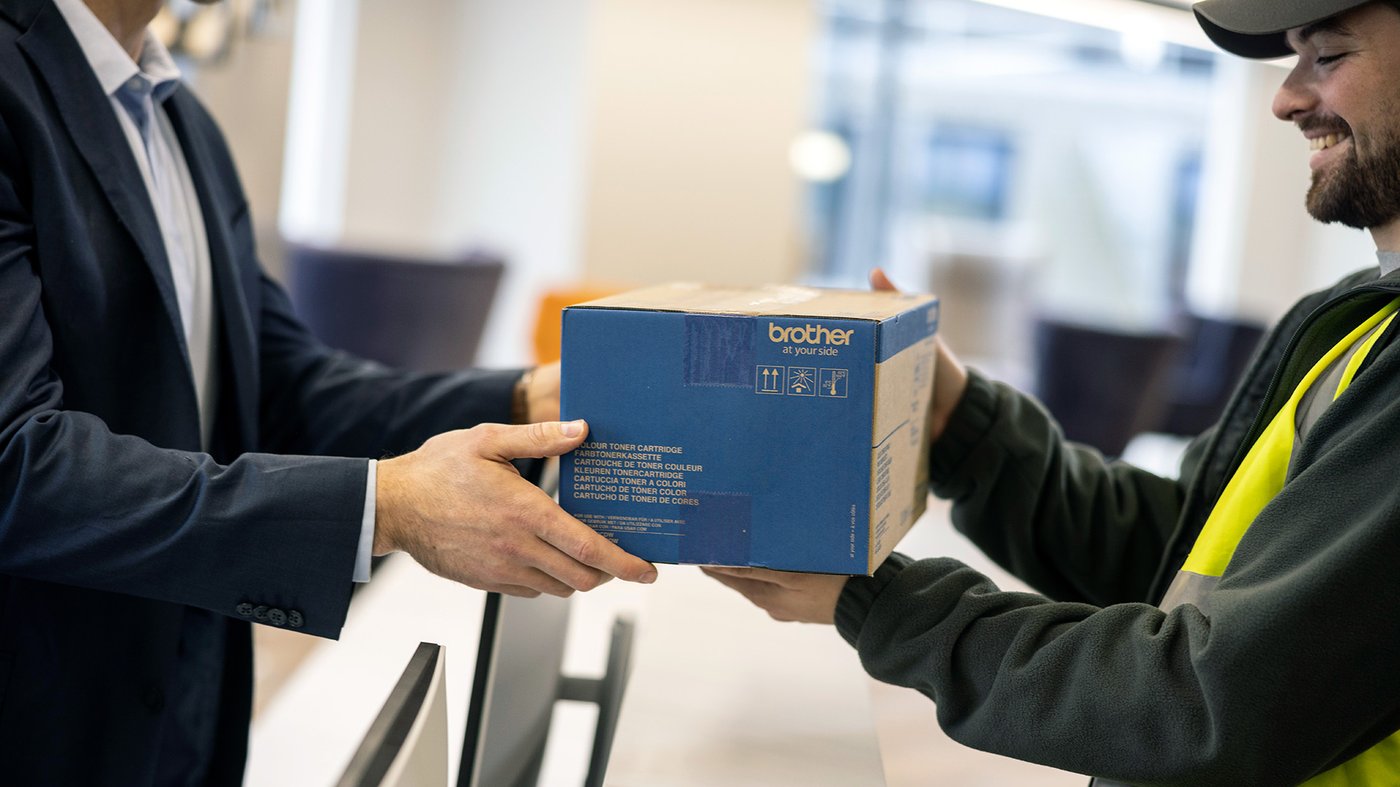
A delivery worker hands a Brother branded carton to an office employee across a counter.

Step 1

When your replacement consumable arrives, store it in a safe, easy-to-find place until your device notifies you that a replacement is needed. Only replace supplies when prompted by your device to ensure accurate tracking and reporting.

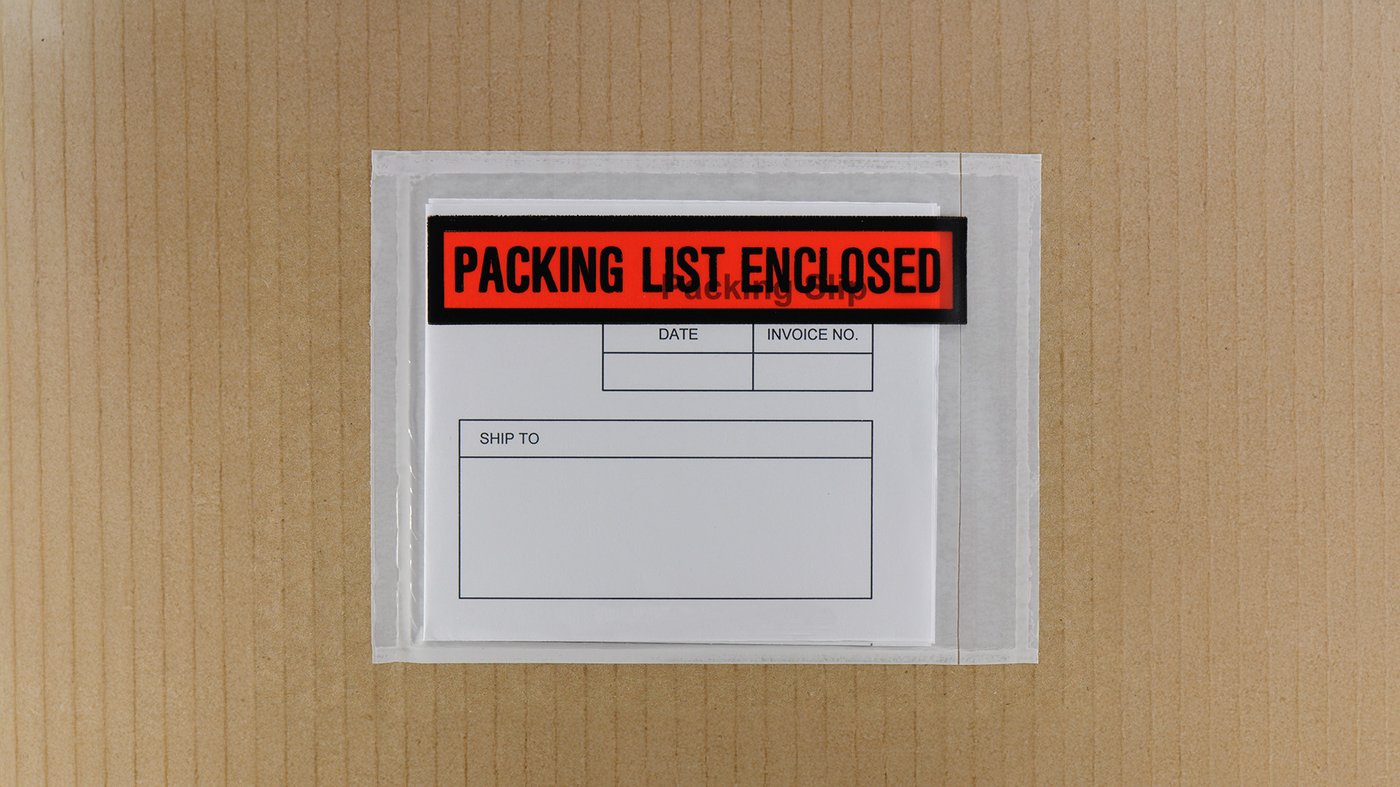
A packing list envelope labeled Packing List Enclosed is attached to a cardboard box, showing a blank shipping form inside.

Step 2

Check the delivery note (packing slip) attached to the box or included in the courier bag. This note confirms which device the supply belongs to. Using supplies for the wrong device may affect performance and disrupt future deliveries.

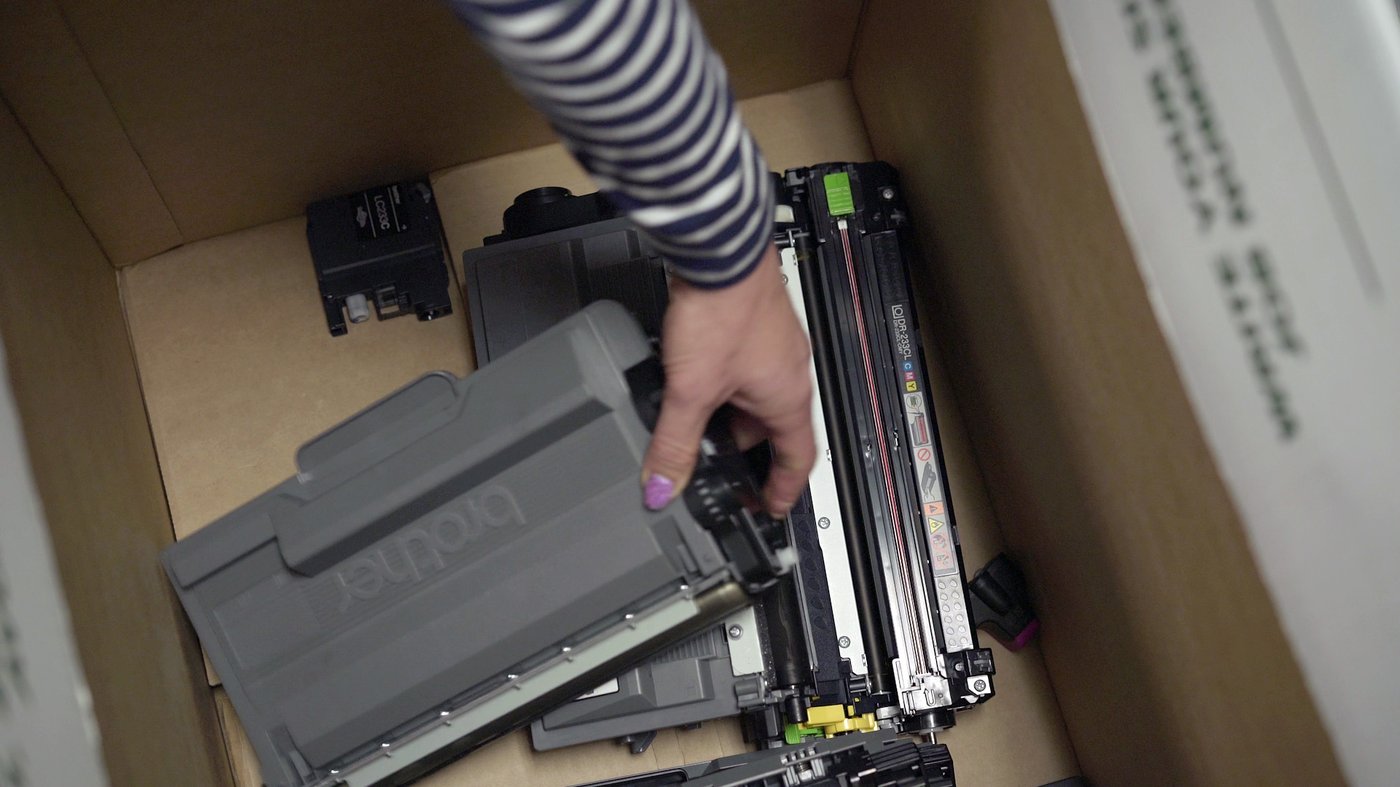
Hand placing used Brother printer cartridges into a cardboard recycling box.

Step 3

After replacing the consumable, place the used item and its packaging in your Brother recycling box. Through our partnership with Recycling Group, these materials are responsibly processed and repurposed into new products to support sustainable printing.

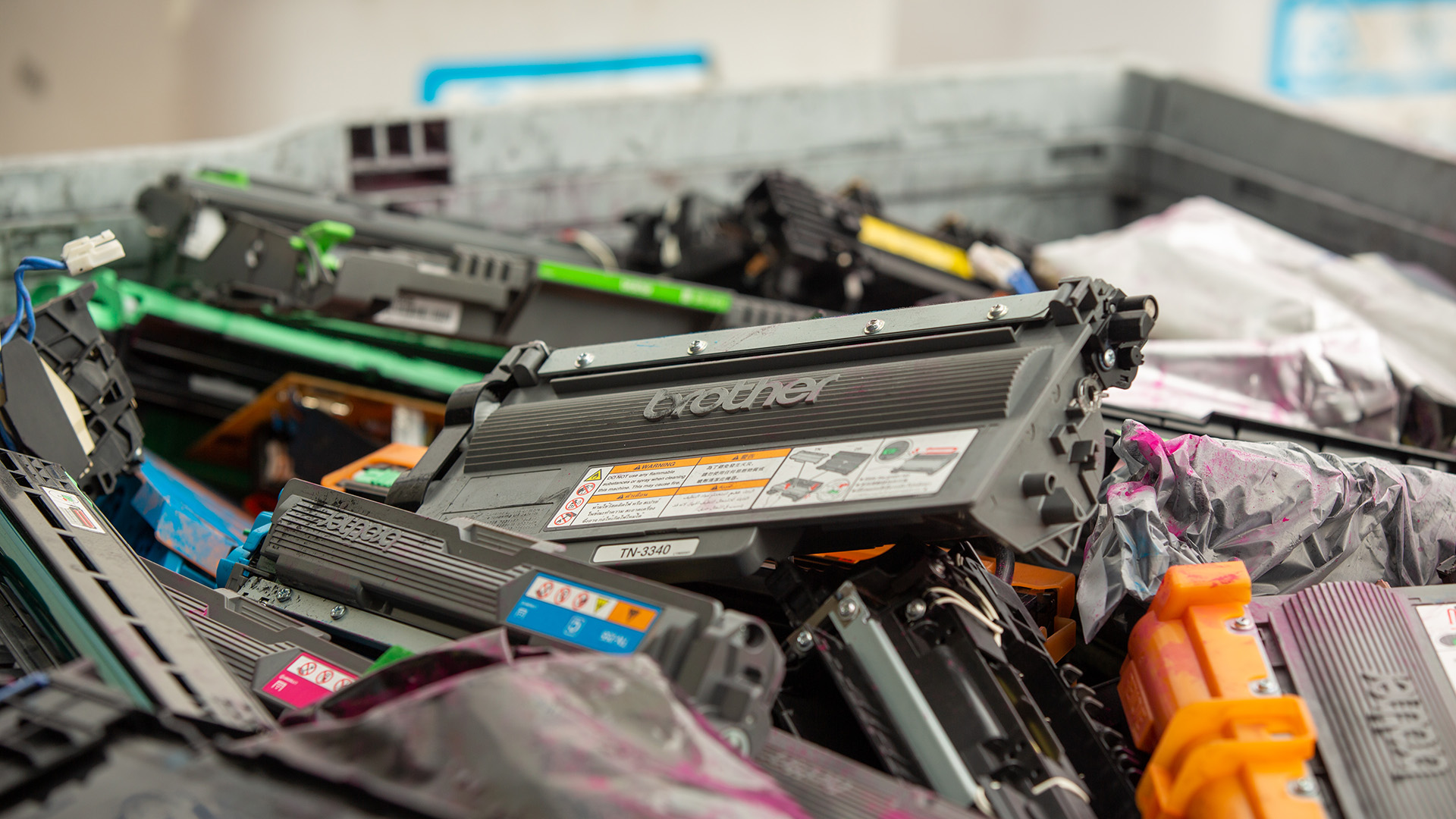
Large crate filled with assorted used Brother toner cartridges awaiting recycling.

Recycling made simple

Through Brother’s free recycling programme, your business can easily recycle used Brother and Konica Minolta consumables and packaging to help reduce waste and support a circular economy. Request a free pick-up and replacement box through our Recycling Request Form, attach the provided prepaid courier label, and we’ll ensure your materials are processed responsibly.

You can also manage requests directly through the Recycling Group portal. Alternatively, if you don't have floor space for a recycling box, you can drop off consumables at any one of our nationwide recycling collection points.

Get the right help for your enquiry

To help us resolve your enquiry quickly, please choose the right contact option below. Each team specialises in a specific area of your Managed Print Services agreement.
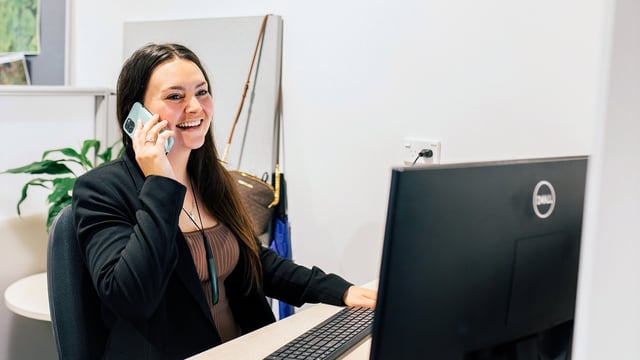
A woman sitting at a desk smiles while speaking on the phone, with a computer monitor and office items around her.
Technical Support

Technical support and user training

If you’re experiencing printer errors, device alerts, or connectivity problems, contact our 24/7 NZ-based Helpdesk by phone for immediate assistance, or use email or live chat during the week for non-urgent enquiries.

A person removes a toner cartridge from a Brother printer, showing the internal colour cartridges and labelled installation guides.
Service

Installation, consumables replenishment and MPS Monitor

If you would like to discuss your installation, consumable replenishment, or printer connectivity to MPS Monitor, complete the form at the bottom of this page and our MPS Experience Team will be in touch.
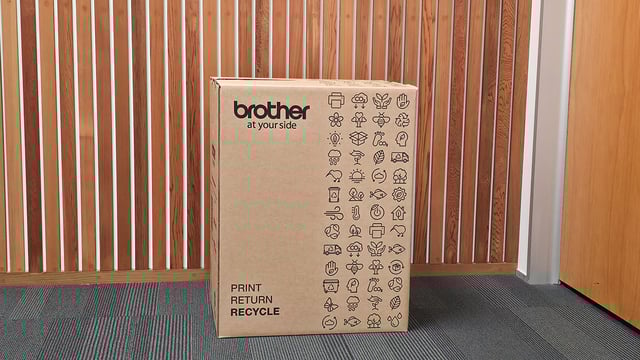
Large Brother cardboard recycling box with sustainability icons, placed in an office hallway with wooden slat wall behind it.
Service

Recycling

To arrange a collection or request replacement recycling boxes, visit our Recycling Request Page for quick and convenient pick-up and delivery options. For all other recycling enquiries, please complete the form at the bottom of this page and our team will assist you.

Brother service technician smiling at the camera while holding a tablet, with a printer and office window behind him.
Service

Printer collections and relocations

If you need to arrange a printer collection or relocation, complete the form at the bottom of this page and we’ll forward your request to the appropriate team for assistance.
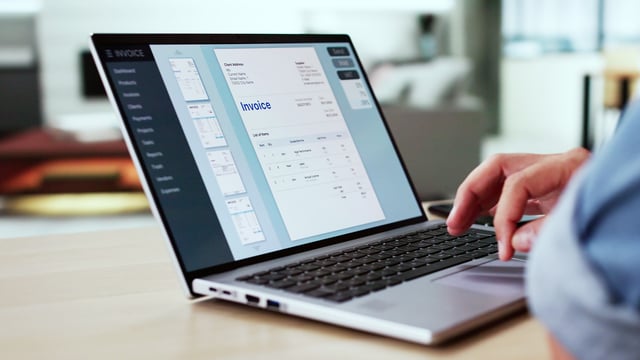
A person works on a laptop displaying invoice creation software, with an invoice preview open on the screen in a modern office setting.
Commercial

Invoicing and payment

If your enquiry relates to invoicing or payments, please contact your Brother Reseller directly.
Generic-Business-Meeting-Procurement_Lifestyle_1920x1080_72dpi
Commercial

Contracts, pricing and sales enquiries

For enquiries about contracts, pricing, or new business opportunities, your first point of contact is your Brother Account Manager or Authorised Reseller.
Smiling woman salesperson outdoors holding a laptop and talking on a mobile phone, standing in front of leafy trees.
Commercial

Account support, reporting and portal training

For assistance with account management, reporting or training, including access to the Customer Portal, please speak with your Brother Account Manager or contact the Enterprise Account Support Team using the form below.

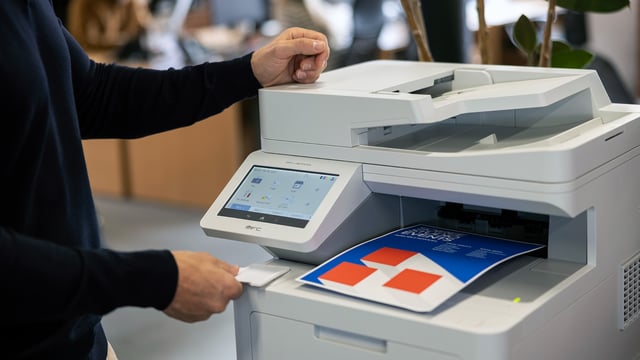
Person using a multifunction printer in an office, retrieving a colour document from the output tray.
Commercial

Print management solutions

For organisations using print management software such as PaperCut or YSoft, Brother provides full integration support to help optimise and monitor print activity. For any queries or issues, please speak with your Brother Account Manager or contact the Technical Sales Specialists using the form below.

Service Escalations

If you have concerns about a service experience or need to draw urgent attention to an existing case, please complete the form at the bottom of this page. Your request will be directed to a supervisor for prompt review and follow-up.