A labelling solution for every requirement.

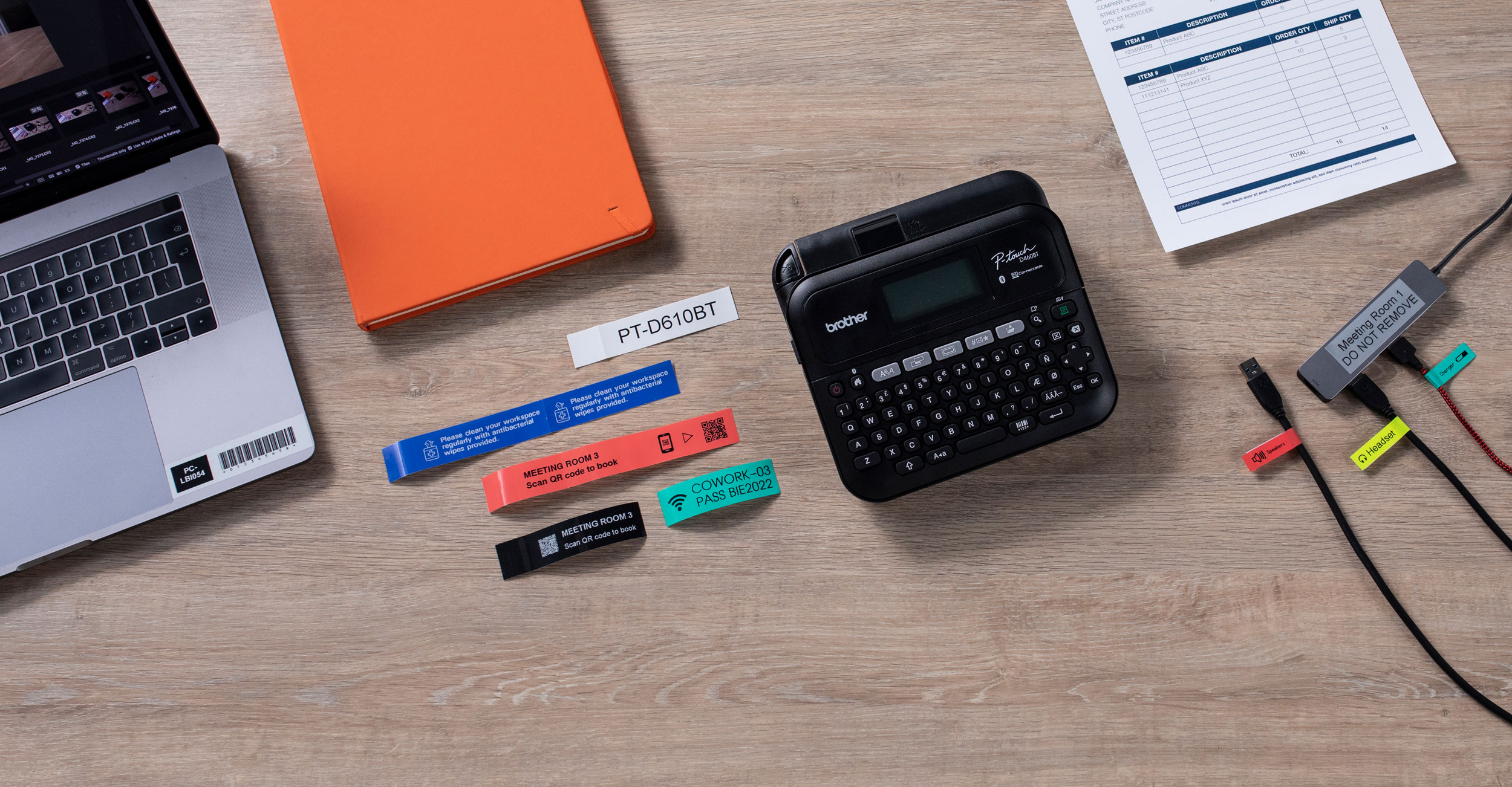
P-touch-standard-cables-office-1920x1080
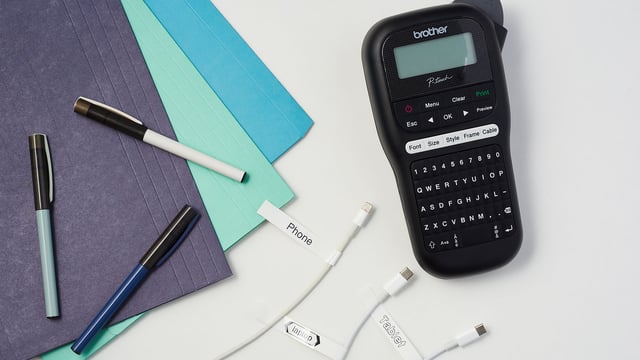
P-touch

Durable Label Makers

P-touch labels are incredibly durable and can be trusted to last indoors or outside for many years. They withstand chemicals, water, sunlight, abrasion, extremes of temperatures and more.
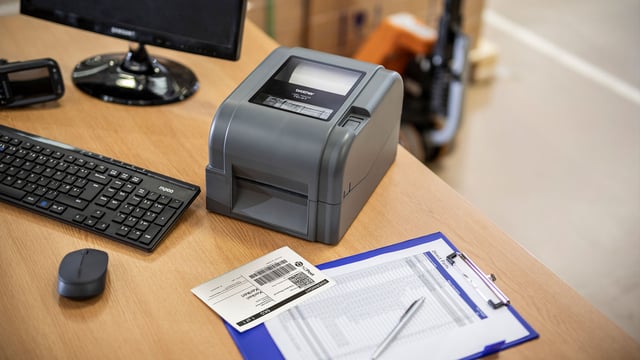
Standard-NZPost-TD4-TD-Courier-1920x1080
QL, TD, TJ

2-4" Label & Receipt Printers

From address label printers for homes and offices to professional label and receipt printers that can be customised with various accessories as part of a wider solution.

Cards-RJ-Field-Worker-1000x667
RJ RuggedJet

2" / 3" / 4" Portable Label Printers

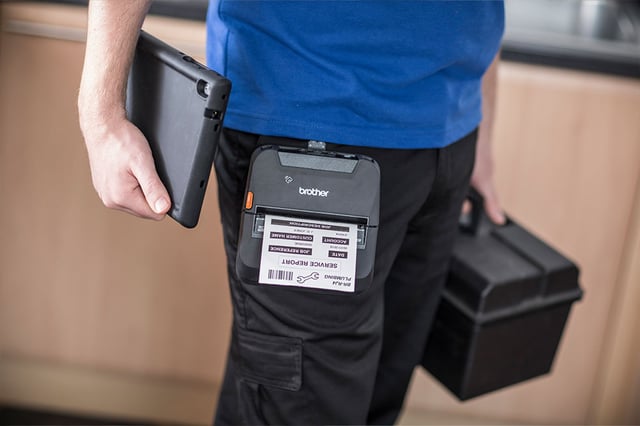
A range of rugged, compact, lightweight direct thermal printers that are suited from on-person use to professional mounting inside vehicles.

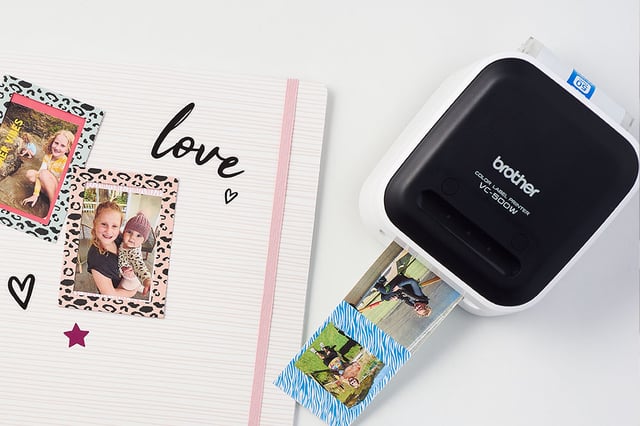
Craft label printer VC500W
VC500W

Full Colour Craft Label Printer

Bring labels to life and print full colour labels without ink! Perfect for scrapbooking and craft projects.


Software

P-touch Editor

Supplied as standard with the PT-E500, PT-E550W, and our QL, TD2, and TD4D ranges, you can create your own custom labels with pixel precision by using this powerful software solution. With features such as support for over 15 barcode protocols, advanced image dithering to print high-quality grayscale images, and the ability to link to data contained in Excel spreadsheets for batch printing of labels, any label design is possible.


How to download P-touch Editor

Windows

Here’s a step-by-step guide on what you’ll need to do to get started:

Go to: 

https://support.brother.com/g/b/countrytop.aspx?c=nz&lang=en

Enter your model number and click Search button or select a Product Category P-touch (PT), the Model, and then click on the Go button

Under Support & Downloads, click the Downloads button

Ensure the correct Operating System (OS Family) and OS version is selected and then click on the Search button

Under Editor Tool, click P-touch Editor 5.x link (Windows). 

Read the End-User License Agreement and then click Agree to the EULA and Download

Enter the last 9 characters of the Serial Number, which can be found at the rear of the machine, and then click the Submit button

Save and run the download file to install P-touch Editor.

Now you’re ready to start creating professional-looking labels for all your organising needs.

Mac

To download P-touch editor for Mac, please download the app from the Apple app store.

Click here to go to the Apple store.